
Offline Timetable
A clean timetable, ready at a glance
Android coming soon iOS
A clean timetable, ready at a glance
Timetable apps demand registration, cloud uploads, and endless notifications—All you want is to quietly see today's classes.
Other timetable apps bombard you with splash ads, notification badges, and persistent 'upload consent' popups. Offline Timetable is fundamentally disconnected; your data stays only on your device, clean and private.
Week at a Glance
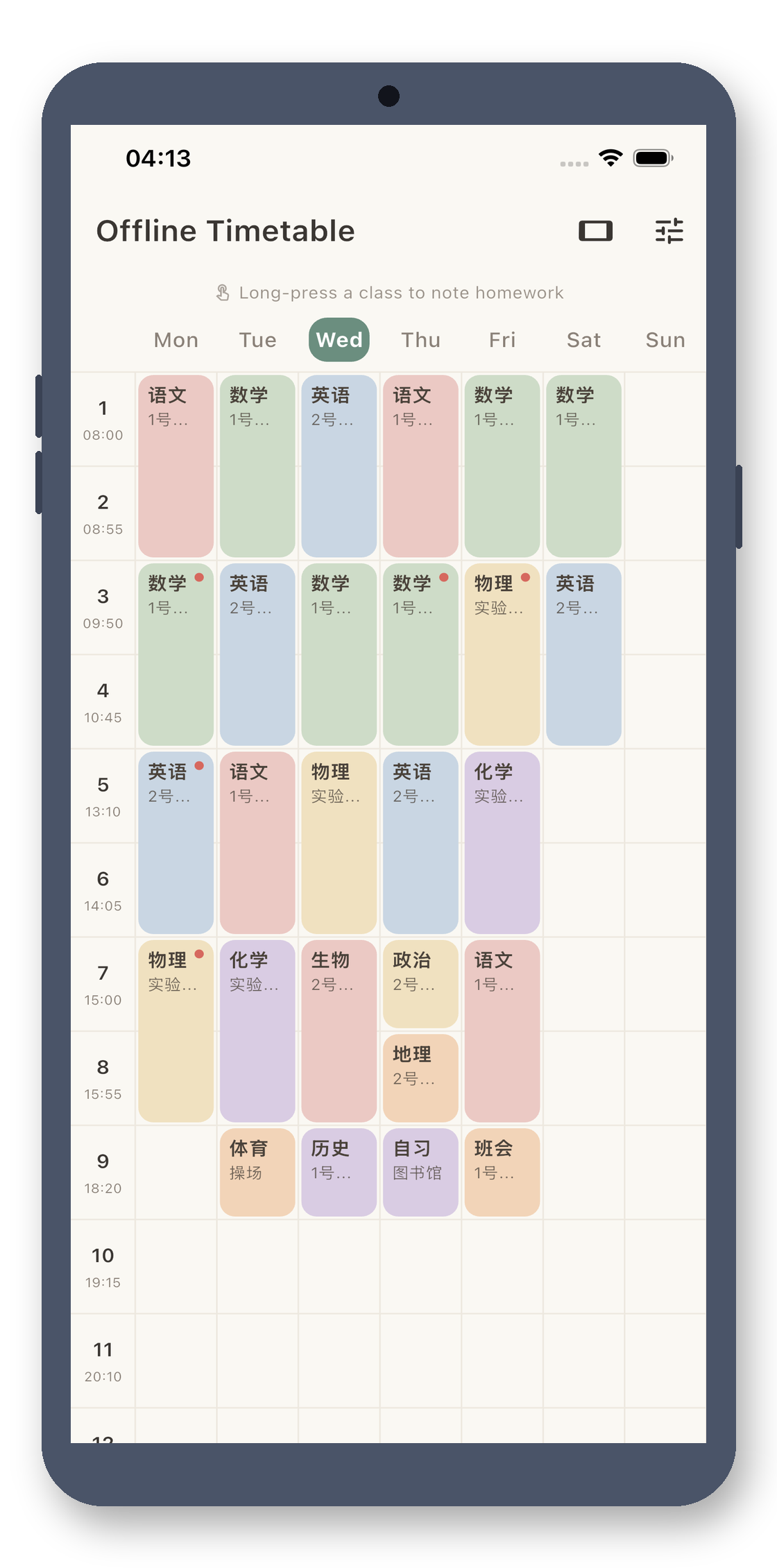
Color-coded blocks for Monday to Sunday fit on one screen, with today's column auto-highlighted. v3.2 upgrades the header to a full weekly calendar: directly displays the current week number and whether it's an odd or even week. Classes set for odd/even weeks automatically apply—no more manual counting on your fingers.
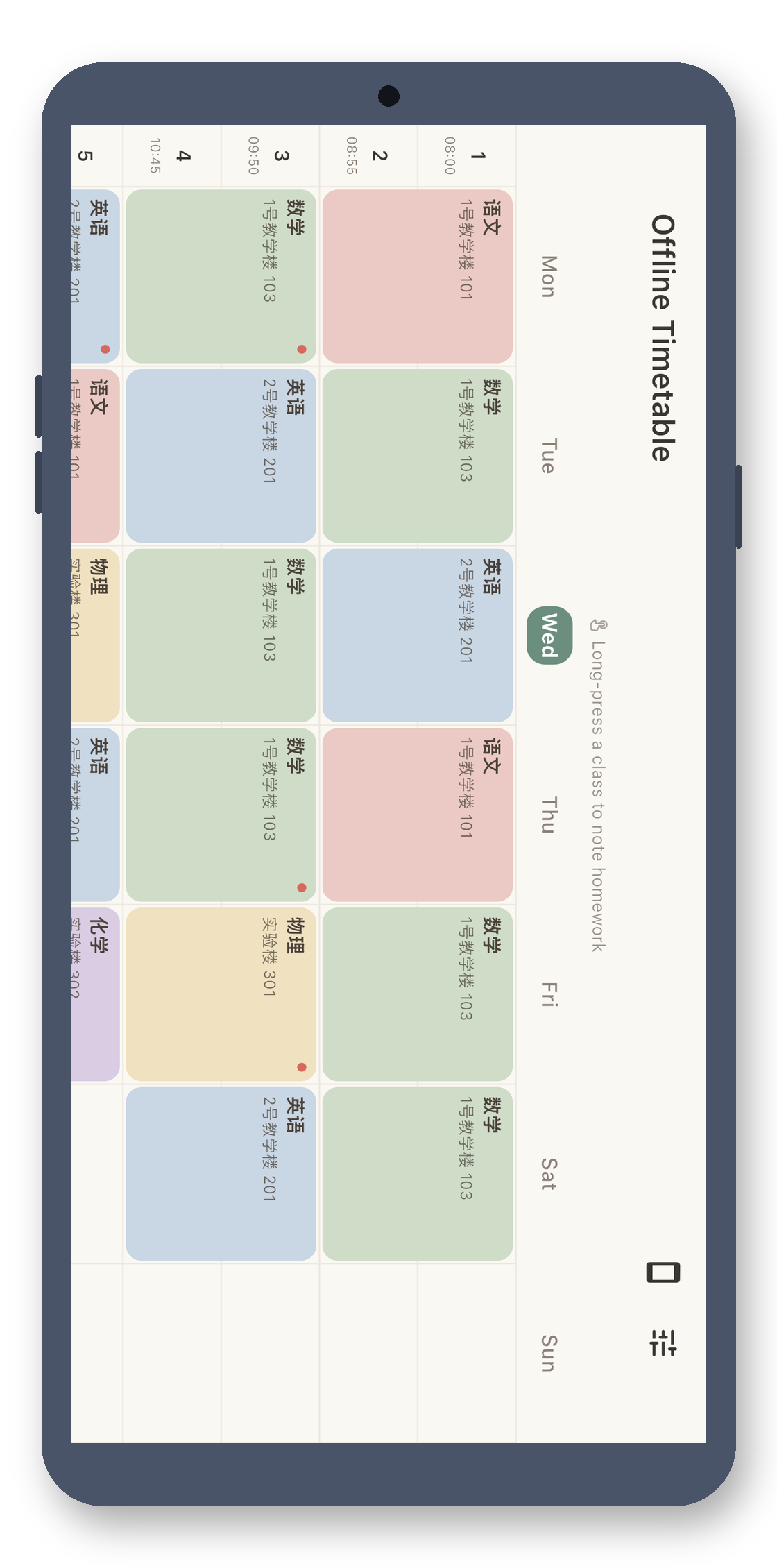
Landscape for Full Week
Rotate your phone to spread the weekly timetable wider, making every class name crystal clear—perfect for glancing at your entire week when placed on a desk. The weekday header freezes at the top while scrolling, so you never lose track of which column is today, no matter how far you scroll right.
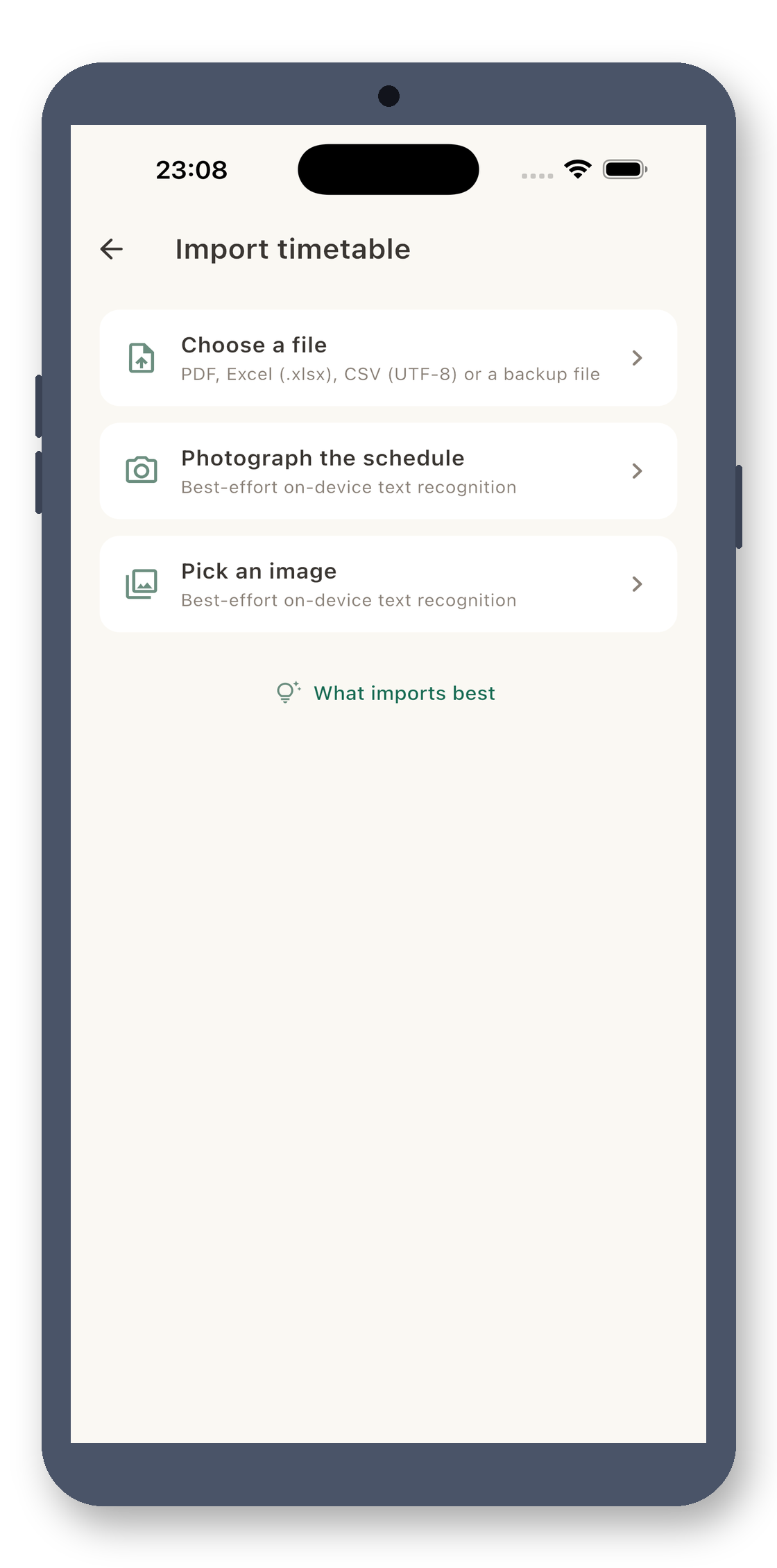
Import with a Photo
Whether it's a physical timetable handed out at school, a screenshot from the academic portal, a PDF from your teacher, or an Excel file—no need to type in each slot manually. Use OCR to import from photos, or import PDF/Excel files. Classes are automatically placed in the correct grid, setting up your entire semester in minutes.
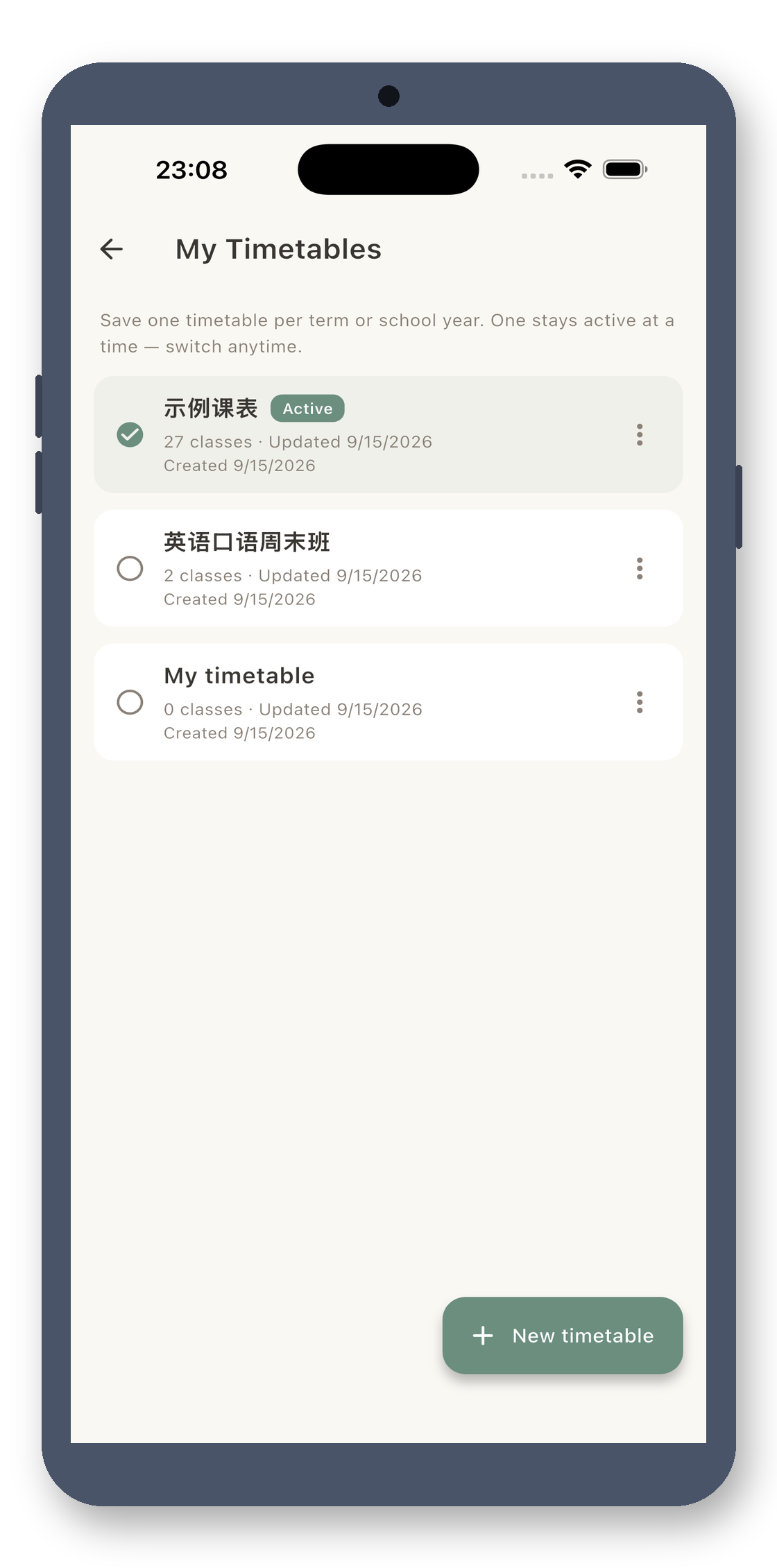
Multiple Timetable Profiles
It’s not just for your own schedule. Create separate profiles for your child, extracurricular classes, or university courses. Each profile has its own classes, periods, and homework assignments. Switch instantly with a tap at the top. Manage your whole family's schedules in one app, without mixing them up.
Homework Reminders
Long-press any class to add homework. When incomplete, a small red dot appears on the class block. v3.2 now supports photos and audio for homework—snap a picture of the board or record a verbal assignment. Homework for the same class automatically groups into one list, making exam review effortless.
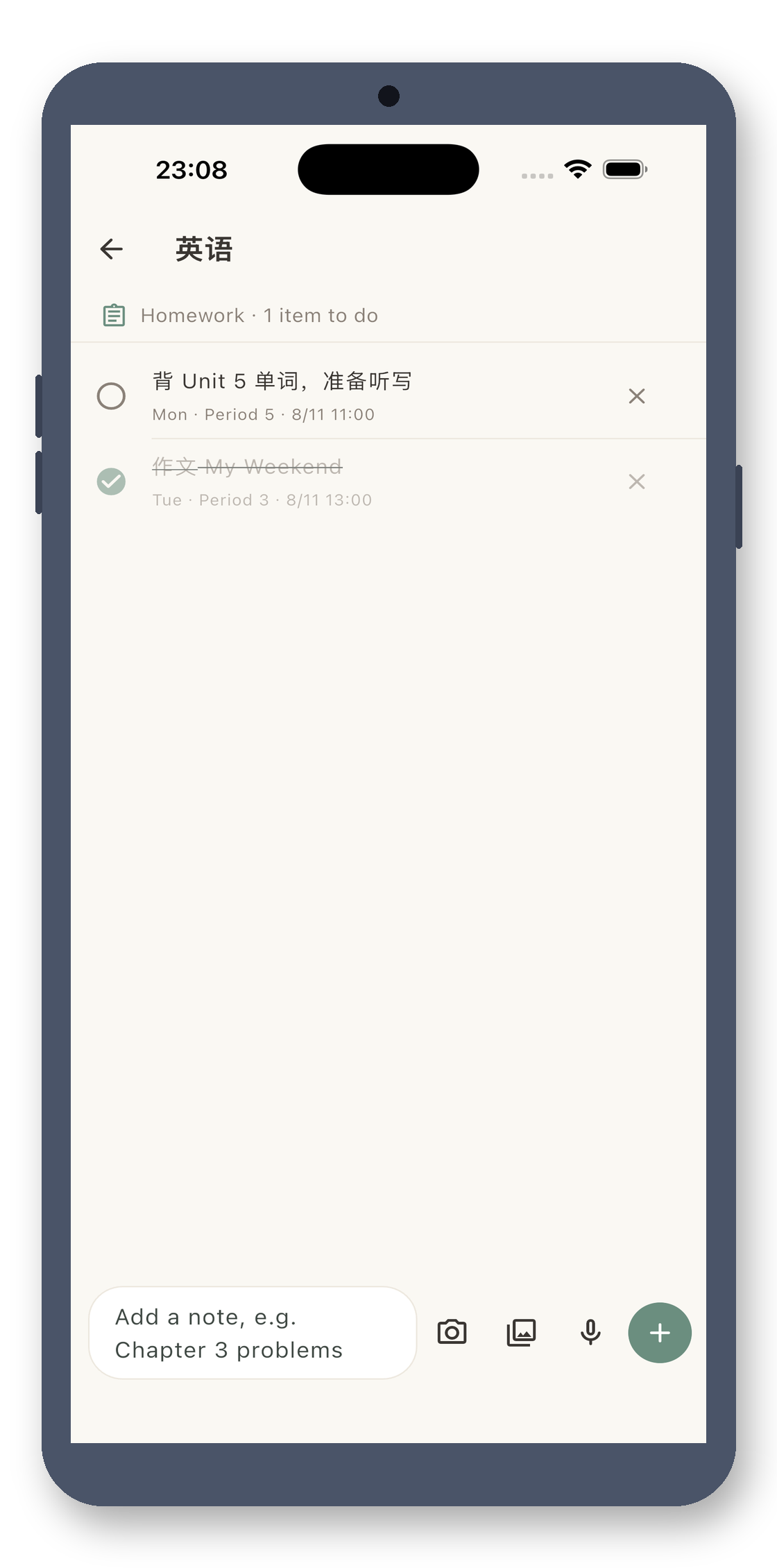
Real screenshots · see it all
A colorful weekly timetable fills the screen, with a weekly calendar header and today's highlight. Import your entire timetable with a single photo.
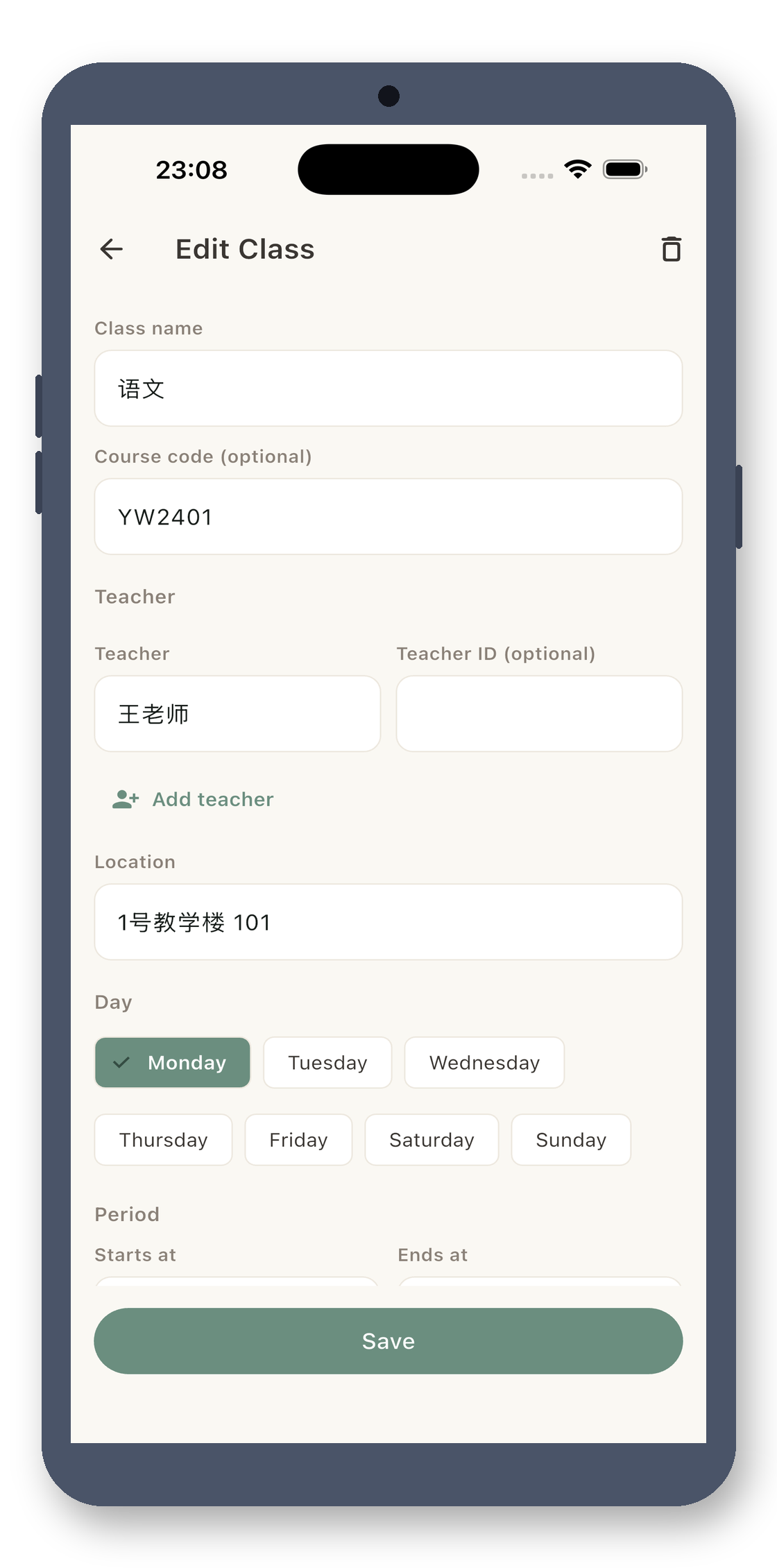
Tap to Add Classes
No digging through menus for buttons—just tap an empty slot in the timetable to enter the class name, location, and teacher, and pick any color. A single entry can handle classes that meet on odd/even weeks, multiple times, or with several teachers. Your timetable stays organized and clutter-free.
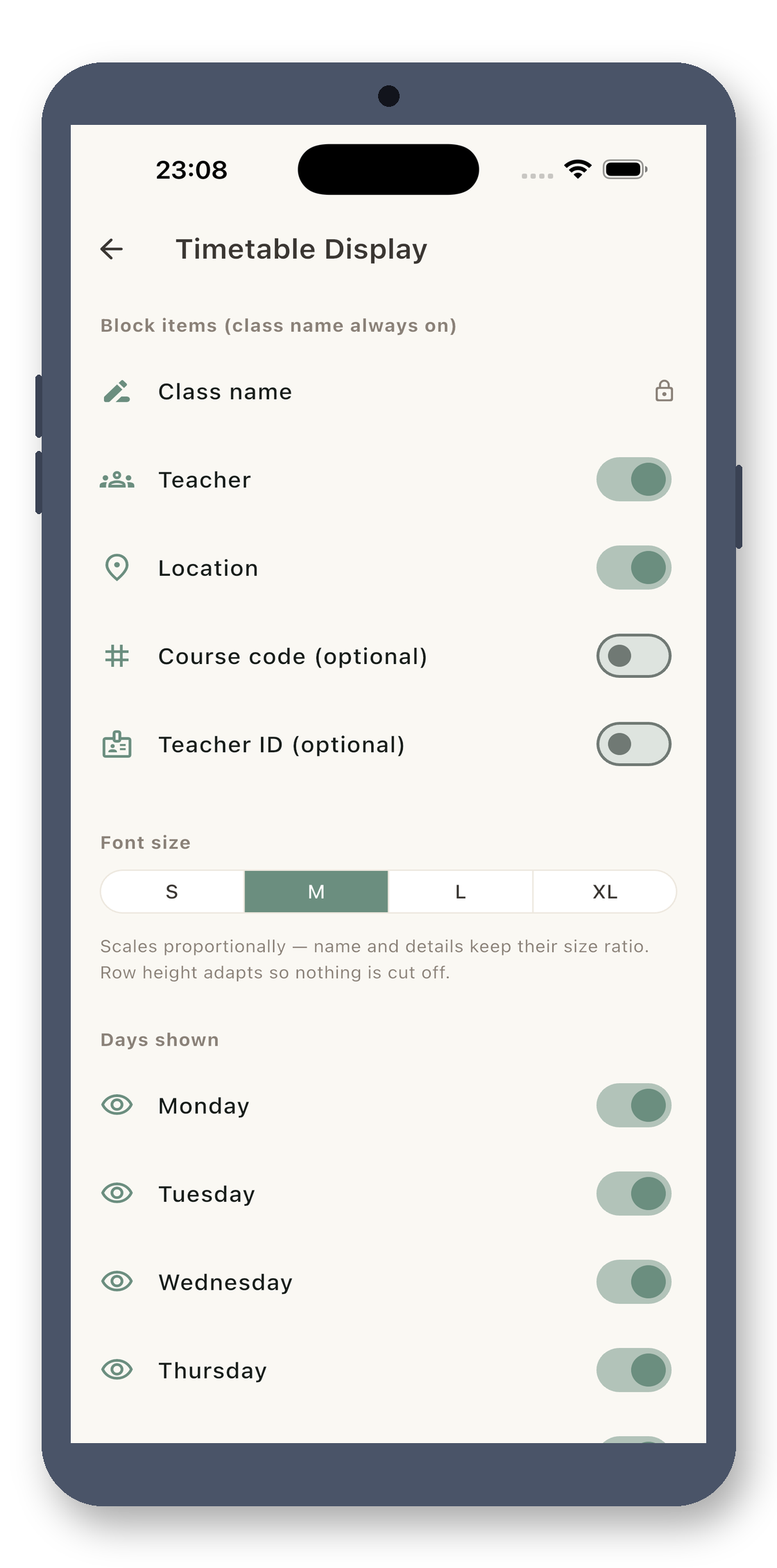
Customize Display
Show just the class name, or include the room and teacher? Choose from four font sizes to suit your vision. No classes on Wednesday or Friday? Collapse entire columns for a cleaner timetable. v3.2 gives you full control over all these options.
Backup & Export
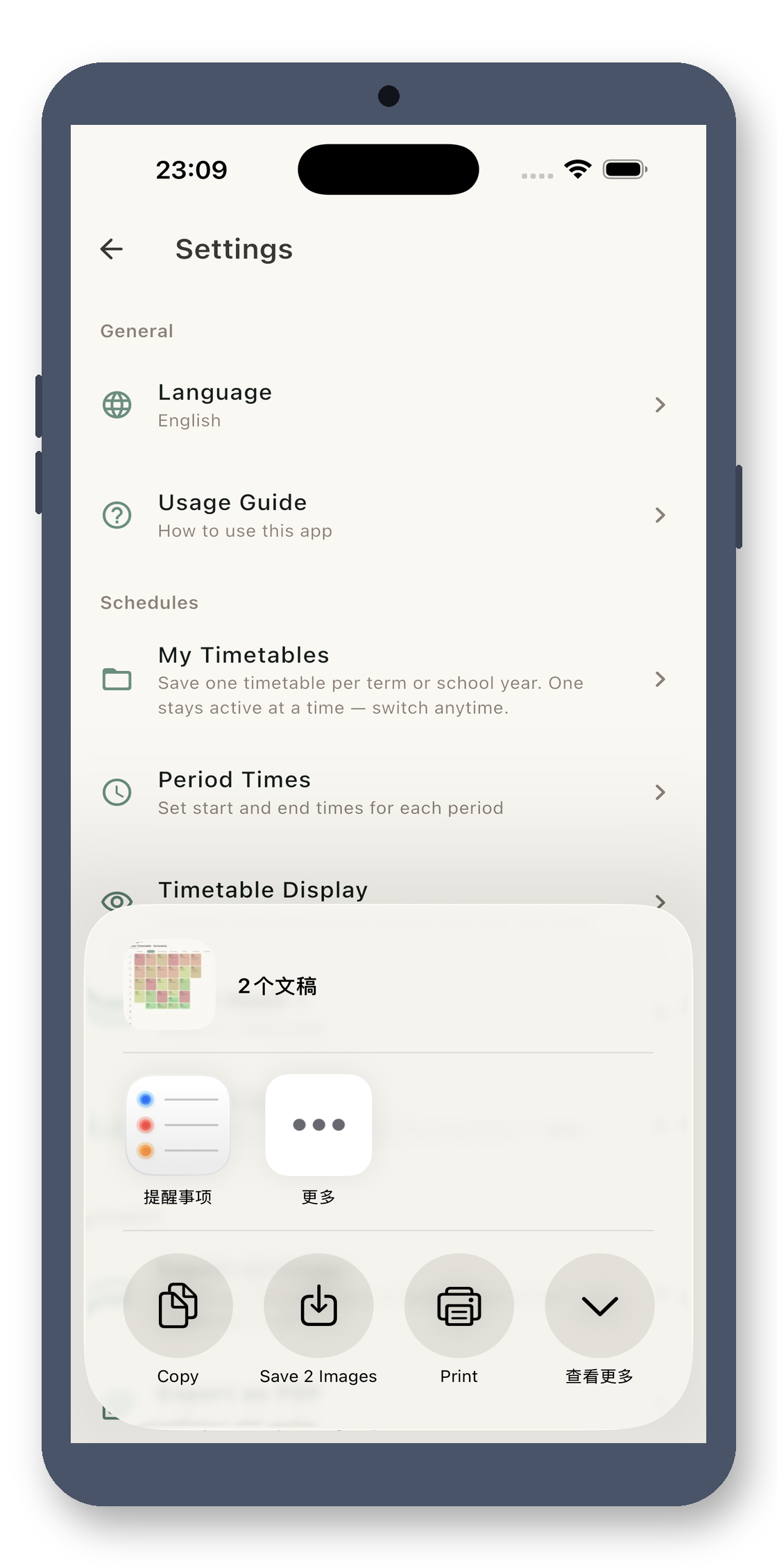
Export your timetable as a JSON file to import on a new device. Or, export it as a high-resolution image or A4 PDF with one tap to share with classmates or print for your desk.
12 Languages
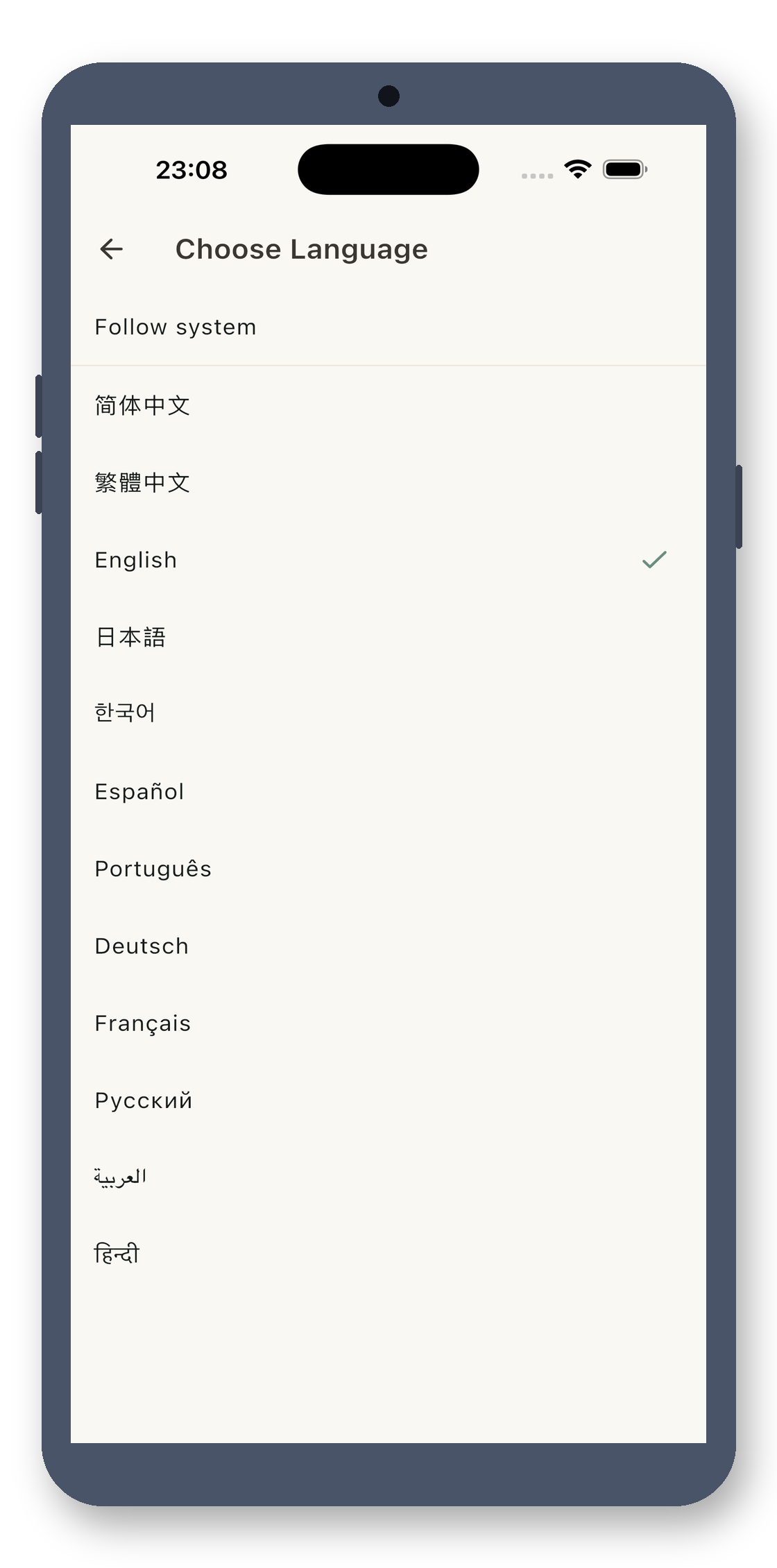
Simplified/Traditional Chinese, English, Japanese, Korean, Spanish, Portuguese, German, French, Russian, Arabic, and Hindi—12 languages that auto-switch with your system, or manually select in settings. Students worldwide can manage their timetables in their native language.
Physically Offline
This app is disconnected at the code level—no internet permissions declared in AndroidManifest, and no network detectable by packet sniffers. Photo imports, OCR, and all processing happen locally. Your timetable data never leaves your device. No accounts, no ads, one-time purchase.
No account, no cloud, no ads. Buy once, use forever.
A clean timetable, ready at a glance
Yes. This is a clean, one-time purchase tool: no ads, no subscriptions, no in-app purchases, no internet connection, and no personal data collection. Pay once, use forever.
No. It processes everything locally offline. No data is uploaded, no personal information is collected, and there is no account system.
No. It's a one-time purchase with no in-app purchases, no subscriptions, and no ads. Buy it once and use it forever.
¥12, one-time purchase.
Local Timetable · No Ads, No Uploads, One-Time Purchase