
Class Picker
8 Ways to Pick a Name, Your Way
Android coming sooniOS coming soon
8 Ways to Pick a Name, Your Way
For public class presentations,dreading ads that kill the moment.
Class Picker turns name-calling into a treasure chest: 8 methods—big text scrolling, wheel, cards, multi-draw, groups, seating, student IDs, and photos. Zero ads, no internet, one-time purchase. Just paste your list and go.
8 Ways
Daily classes? Big text scrolling. Activities? Spin the wheel. Reviews? Flip cards. Need multiple reps? Multi-draw. Match your teaching style—all in one list, switch anytime.
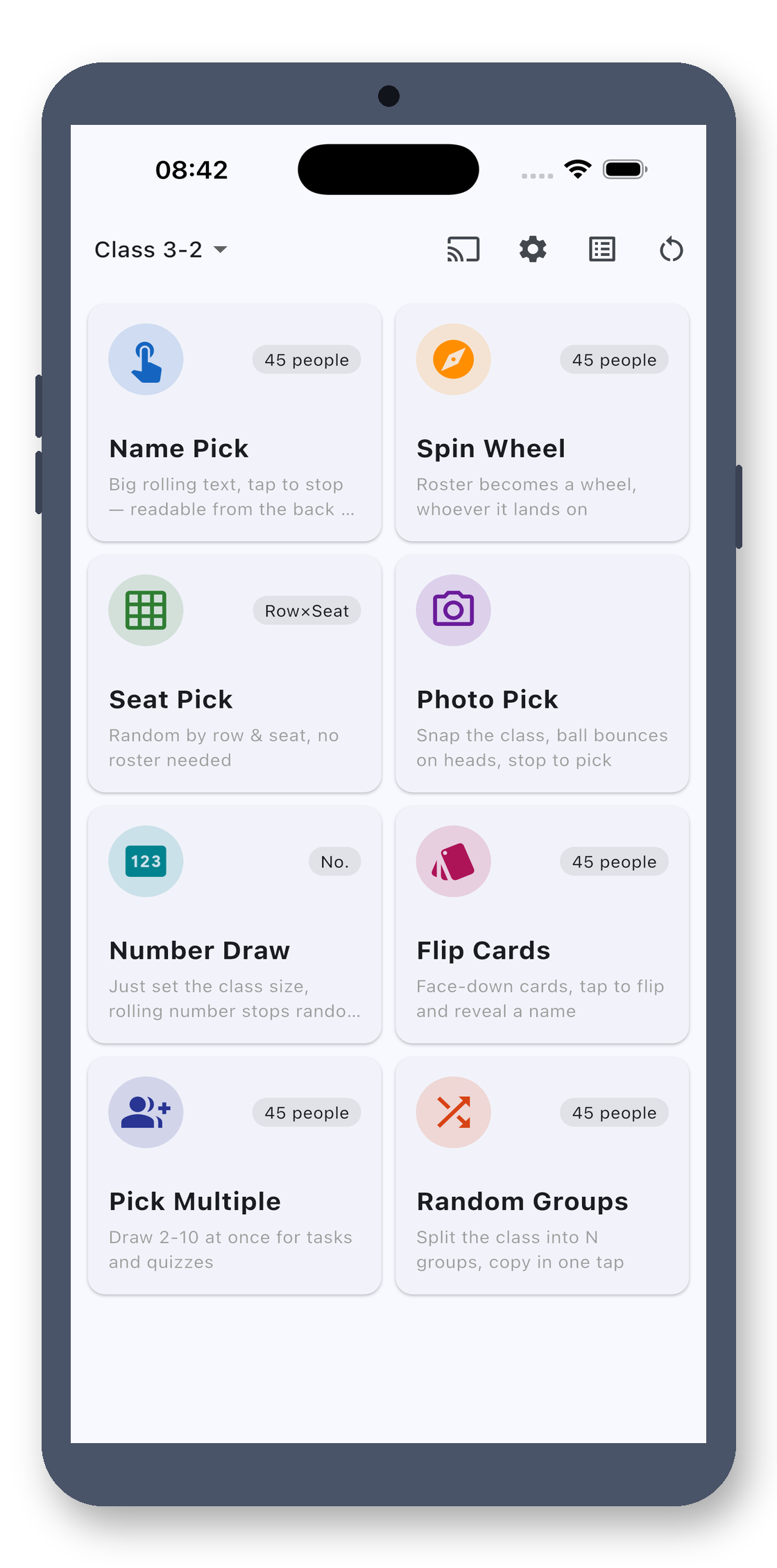
Name Scrolling
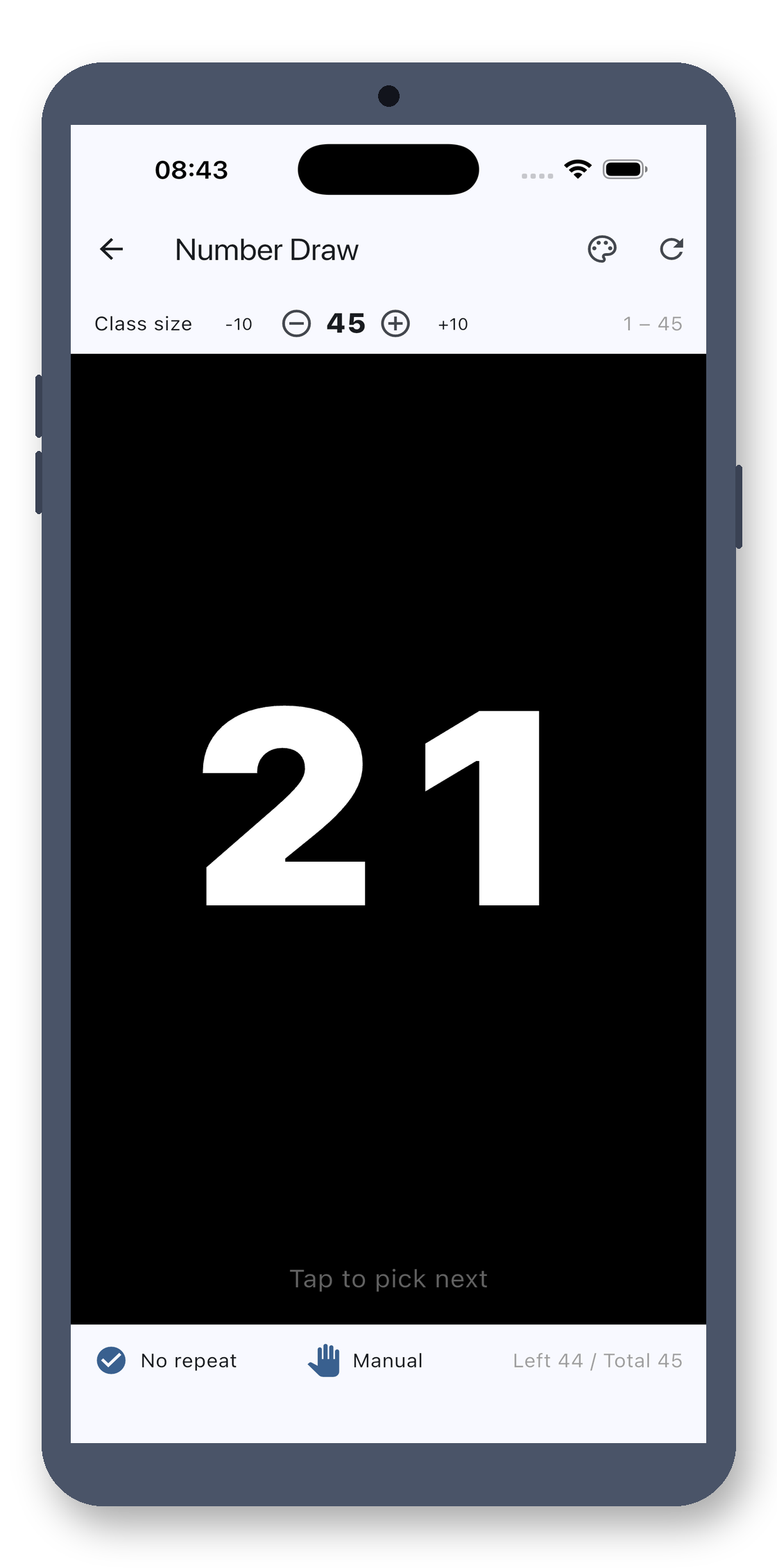
Tap to scroll names fast, tap again to freeze. Pure black background with giant white text—clear even on classroom projectors. Haptic feedback means no looking down for buttons while teaching.
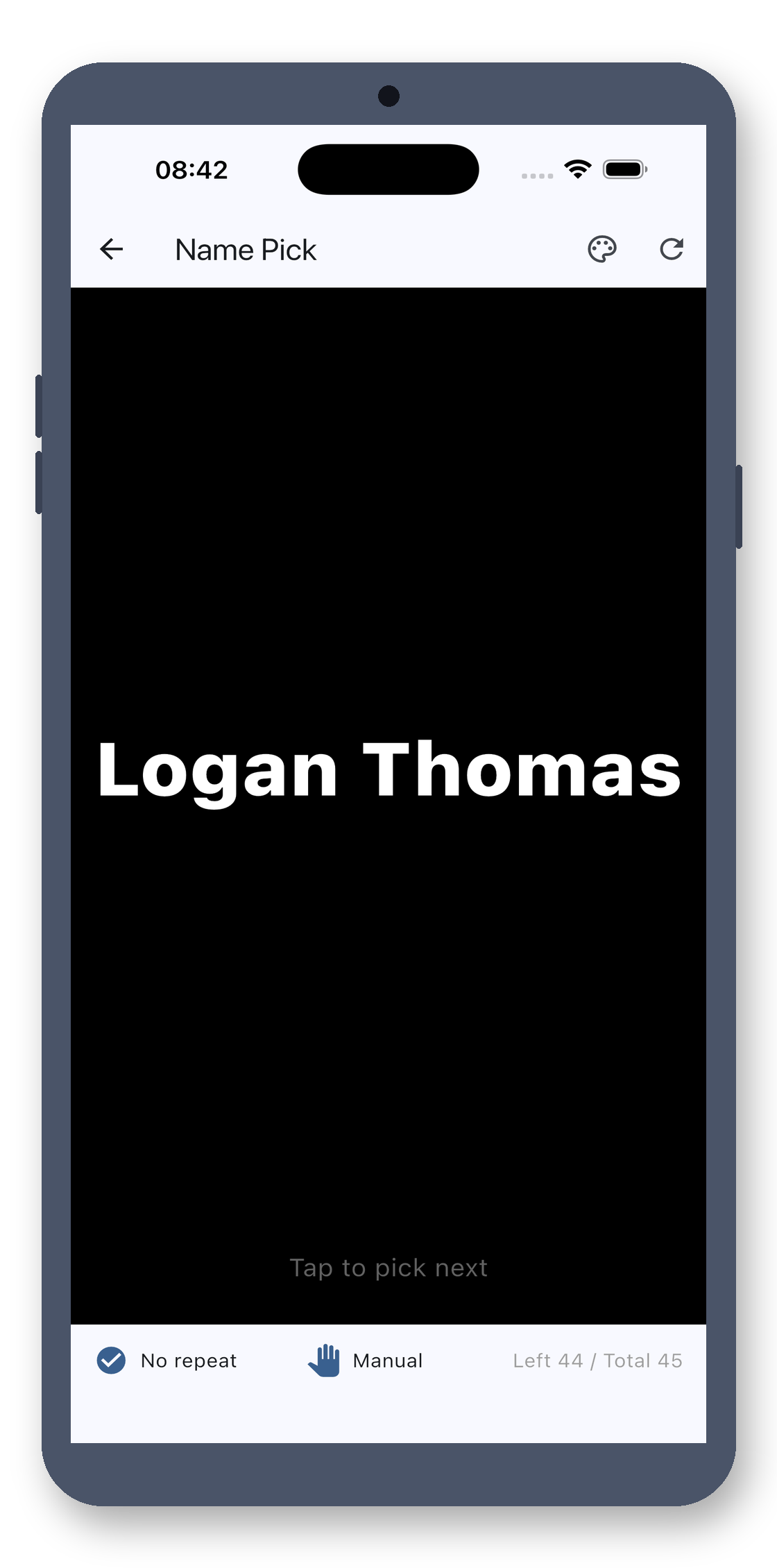
Spin Wheel
Turn your list into a big wheel. Spin with the class counting down. Max out the drama—class energy stays high.
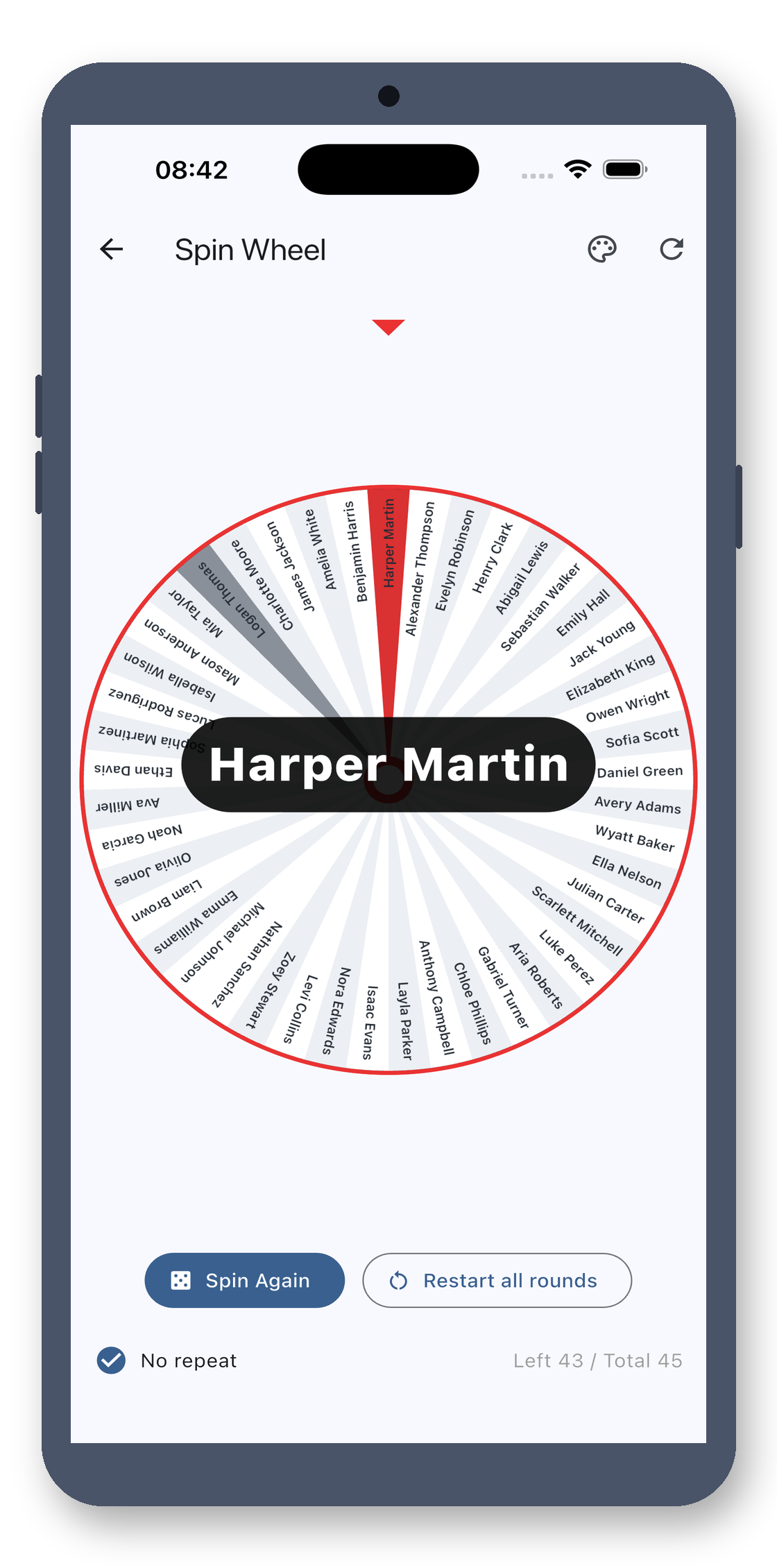
Flip Cards
Every student gets a card, filling the screen. Kids love the suspense of flips. Perfect for reviews or word games.
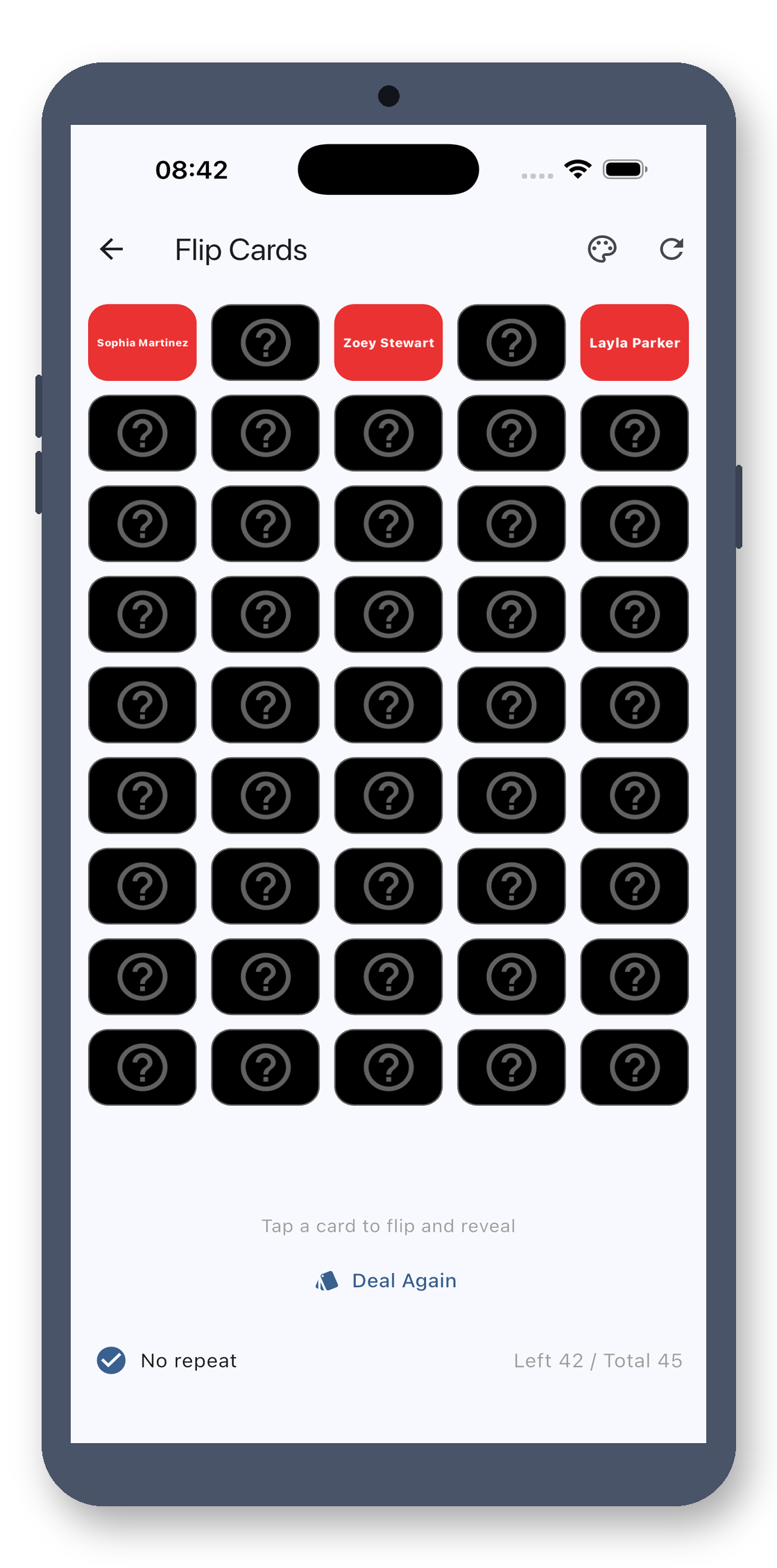
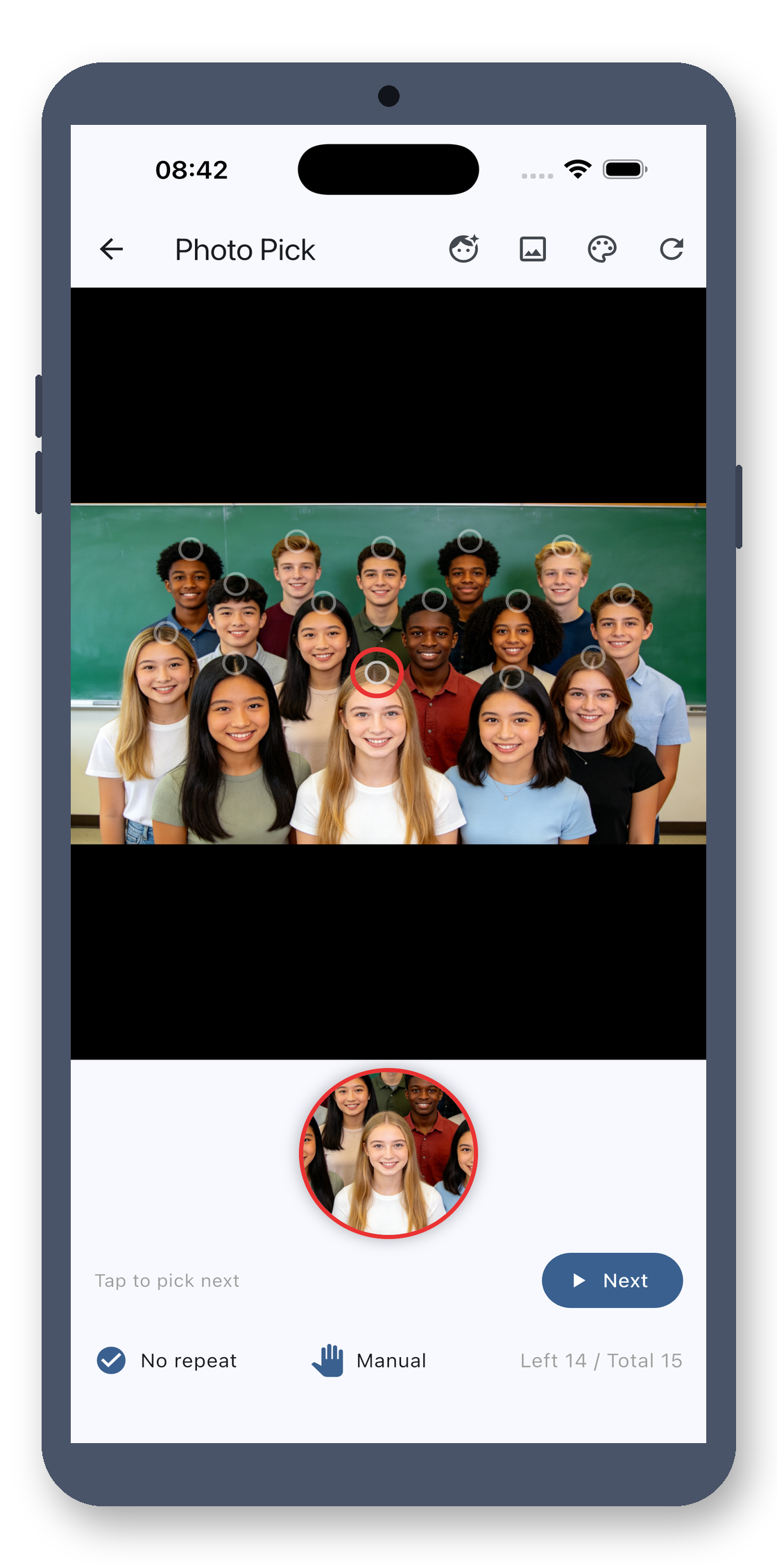
Photo Pick
Take a class photo at the start—pick directly from it. Match faces to names, even for new classes. Photos stay on-device, never uploaded.
Multi-Draw
Need 3 reps for group work? Multi-draw picks multiple names at once. Copy the list instantly. Prevents repeats—no one gets picked twice in a class.
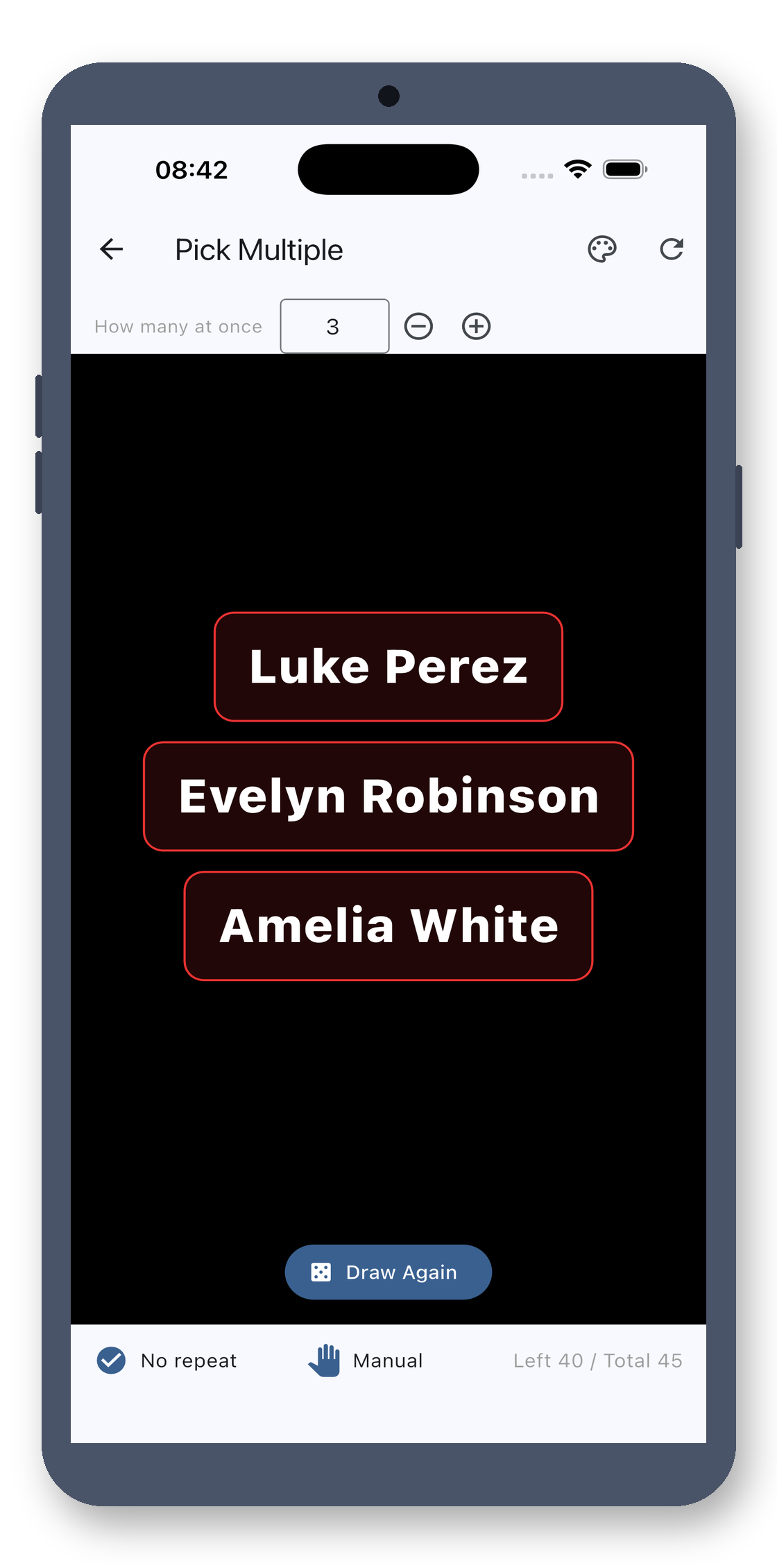
Real screenshots · see it all
Black background, giant white text—see who's picked from the back row.
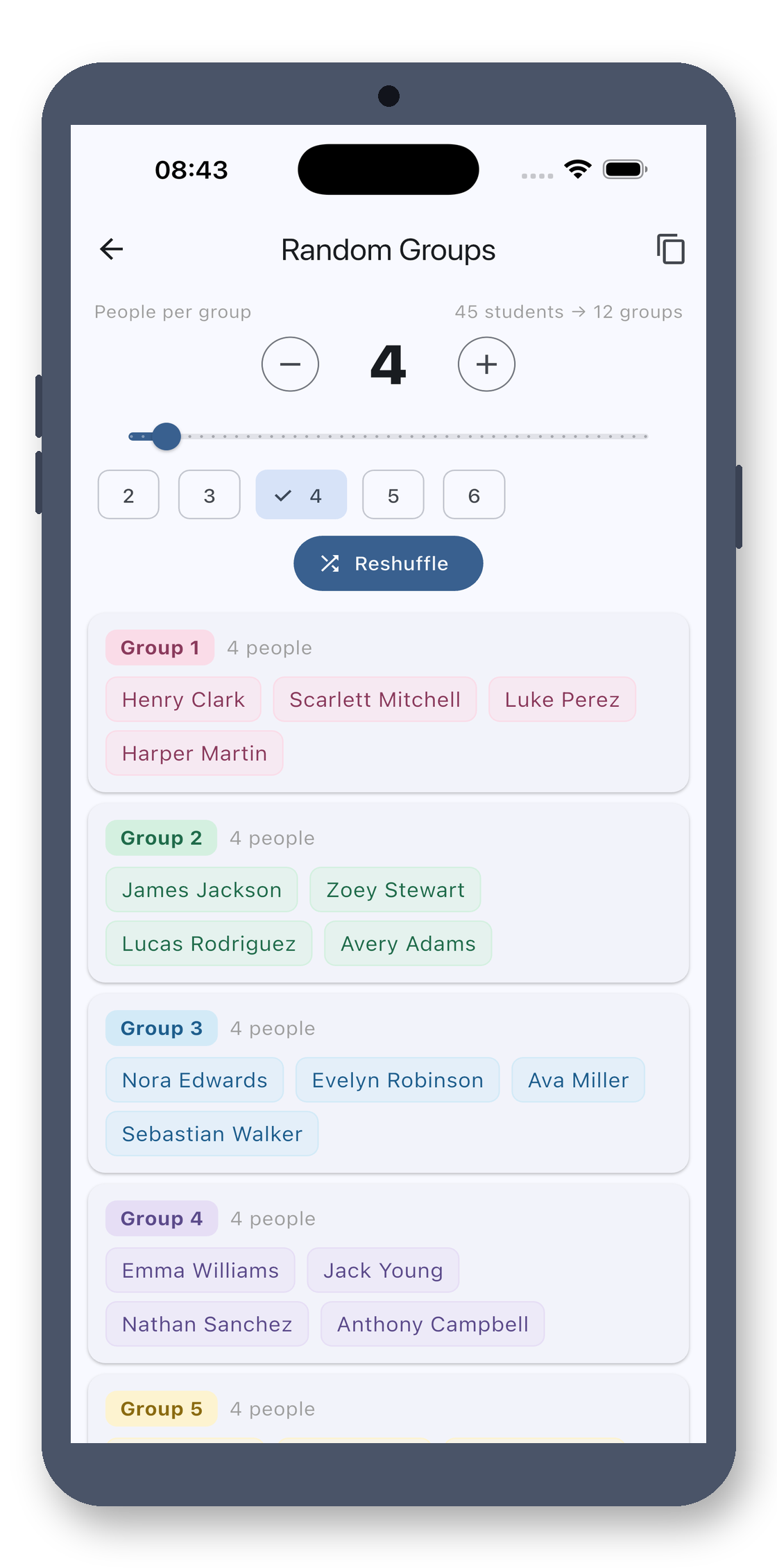
Random Groups
Split into 6 groups? Set the size, generate, and copy results to your class group chat. No more counting names manually.
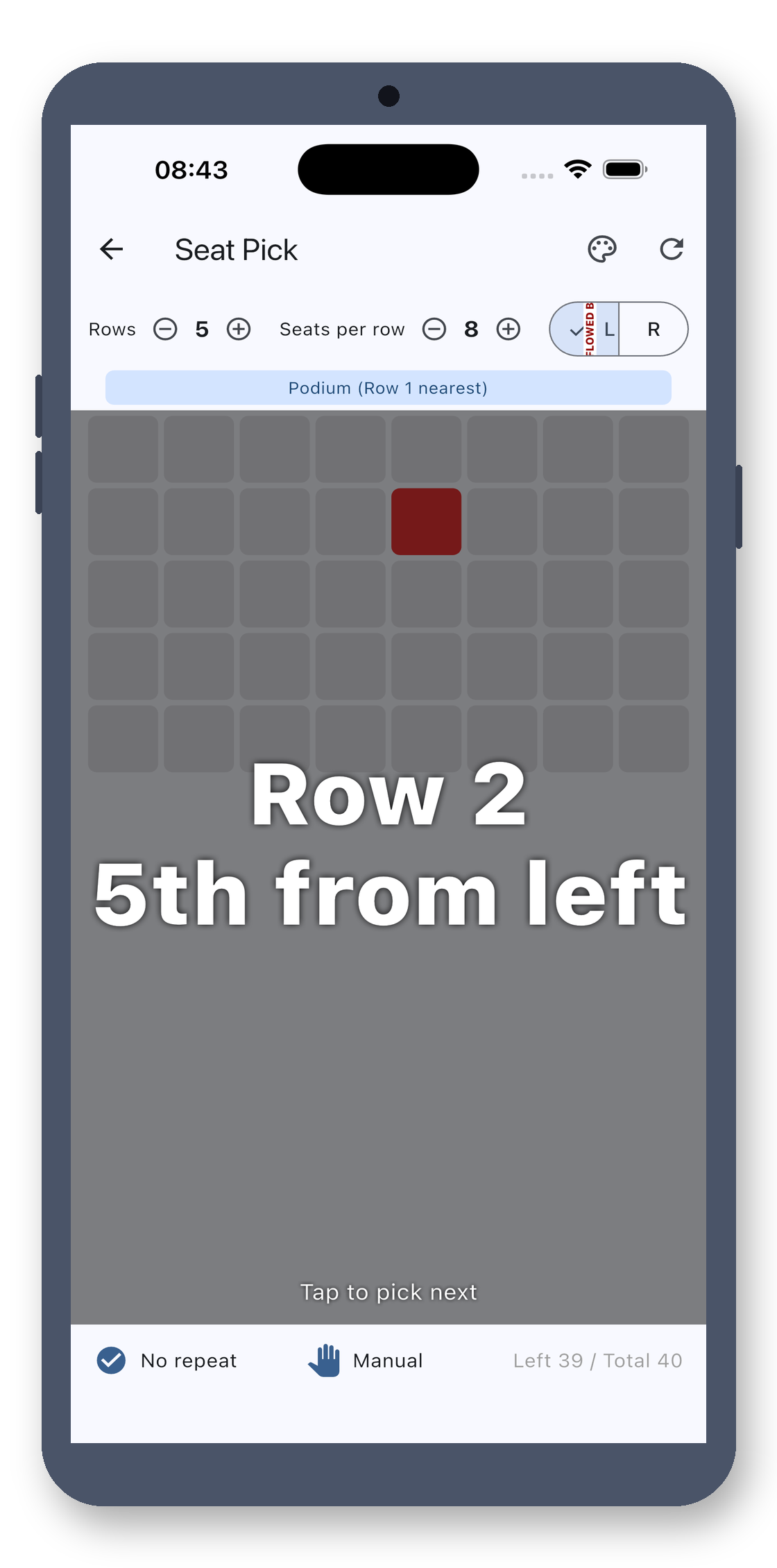
Seating Chart
Substitute without a list? Tap by seating—“third row, window side.” Pick randomly without knowing names.
ID Slot Machine
Too lazy to type a list? Enter class size, roll the ID slot machine. Random numbers 1-50—match to IDs to pick.
Import List
Copy names from WeChat—auto-splits by line breaks, commas, or semicolons. Or snap a photo of your list, or import a PDF to extract names—no Excel needed.
No Repeats + Voice
Enable no-repeats—picked students stay out until reset. Or have it announce names automatically. Loud and clear, or silent with a tap.
12 Languages · Offline
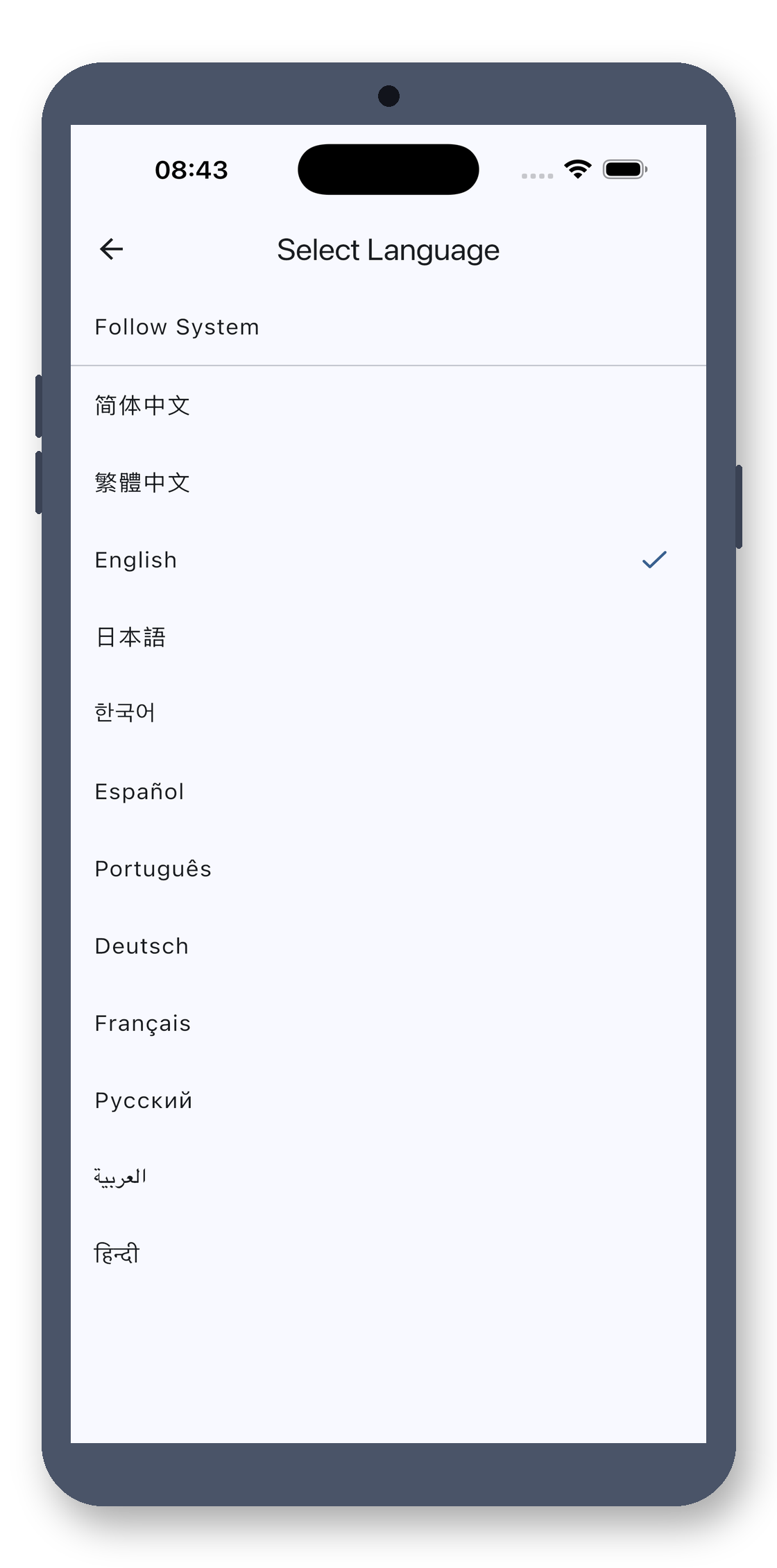
Switch between Chinese, English, 日本語, Español, and 11 more—interface updates instantly. But it stays true to itself: zero ads, zero pop-ups, no internet. No network permissions requested from the OS. Your list data stays on your phone.
No account, no cloud, no ads. Buy once, use forever.
8 Ways to Pick a Name, Your Way
Yes. This is a clean, one-time purchase tool: no ads, no subscriptions, no in-app purchases, no internet connection, and no personal data collection. Pay once, use forever.
No. It processes everything locally offline. No data is uploaded, no personal information is collected, and there is no account system.
No. It's a one-time purchase with no in-app purchases, no subscriptions, and no ads. Buy it once and use it forever.
¥12, one-time purchase.
Class Picker · 8 Ways, No Ads, One-Time Buy