
HoldSign
Turn Your Phone into a Full-Screen Sign
Android coming soon iOS
Turn Your Phone into a Full-Screen Sign
In noisy places,phone screens are too small to be seen clearly.
Meeting arrivals, concert support, bar calls—no matter how big the text on your phone, it's unreadable from a distance. HoldSign fills the entire screen with glowing text, maxes out the brightness, and gets noticed across the street.
What You See Is What You Get
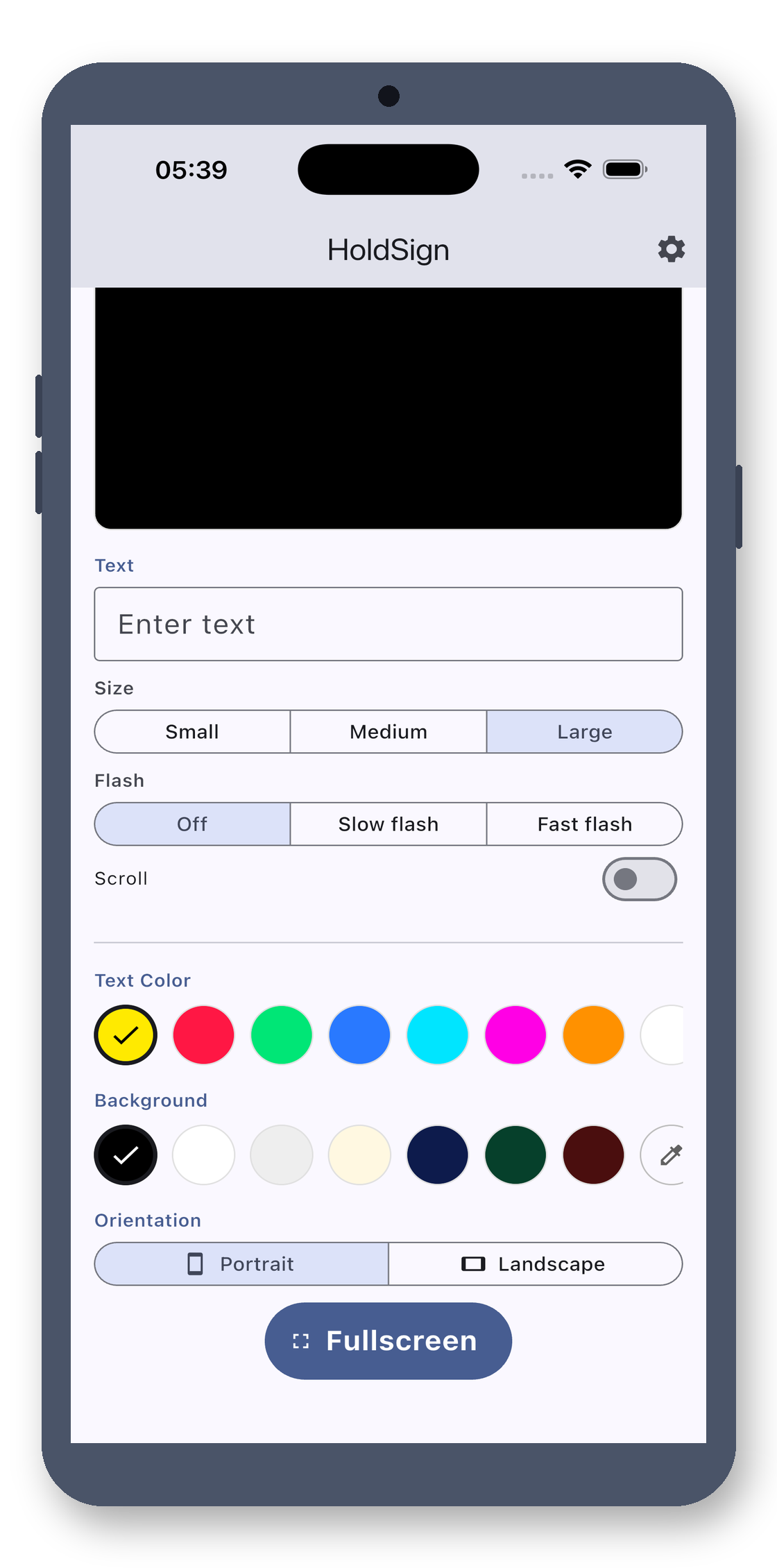
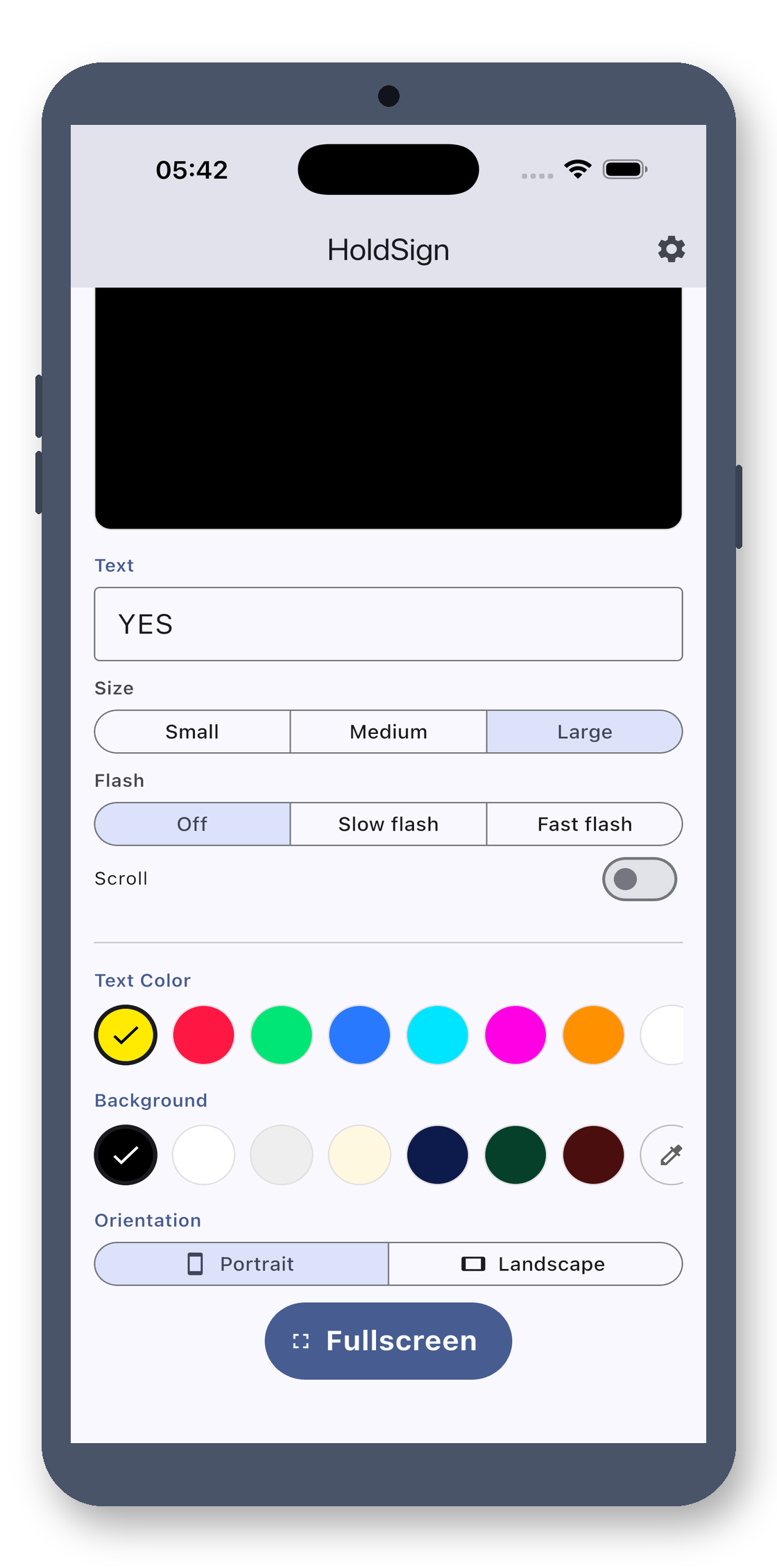
See your text in real-time as you type—adjust font size, color, and background instantly. Tap the full-screen button, and the text auto-scales to fit the screen at maximum brightness with the screen always on. Exit to restore original settings.
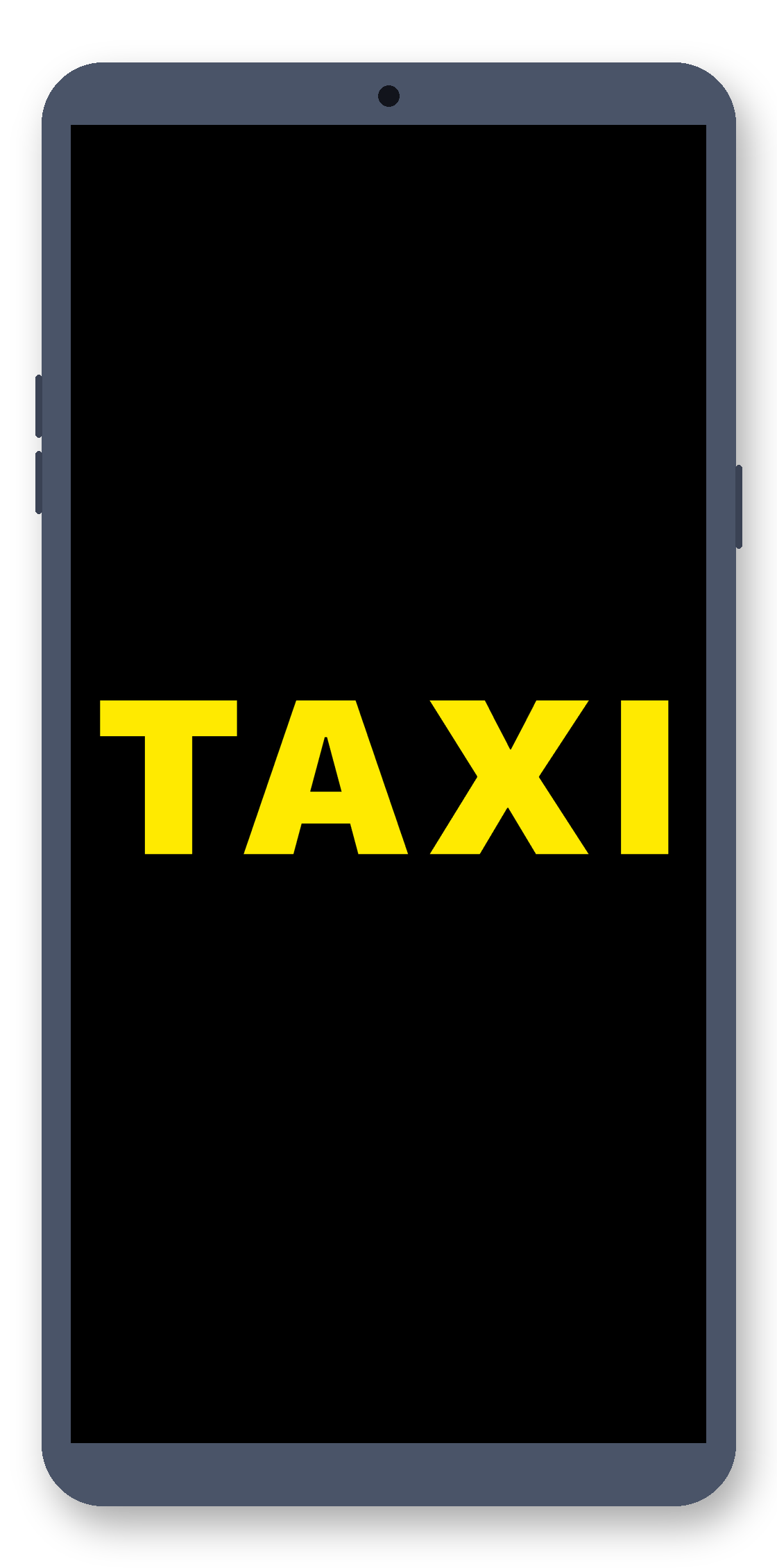
Portrait Single Line
Hold it vertically—one line takes up the entire screen. Yellow on black is most eye-catching, visible from dozens of meters away. Perfect for meeting signs, hailing taxis, or finding people in crowds.
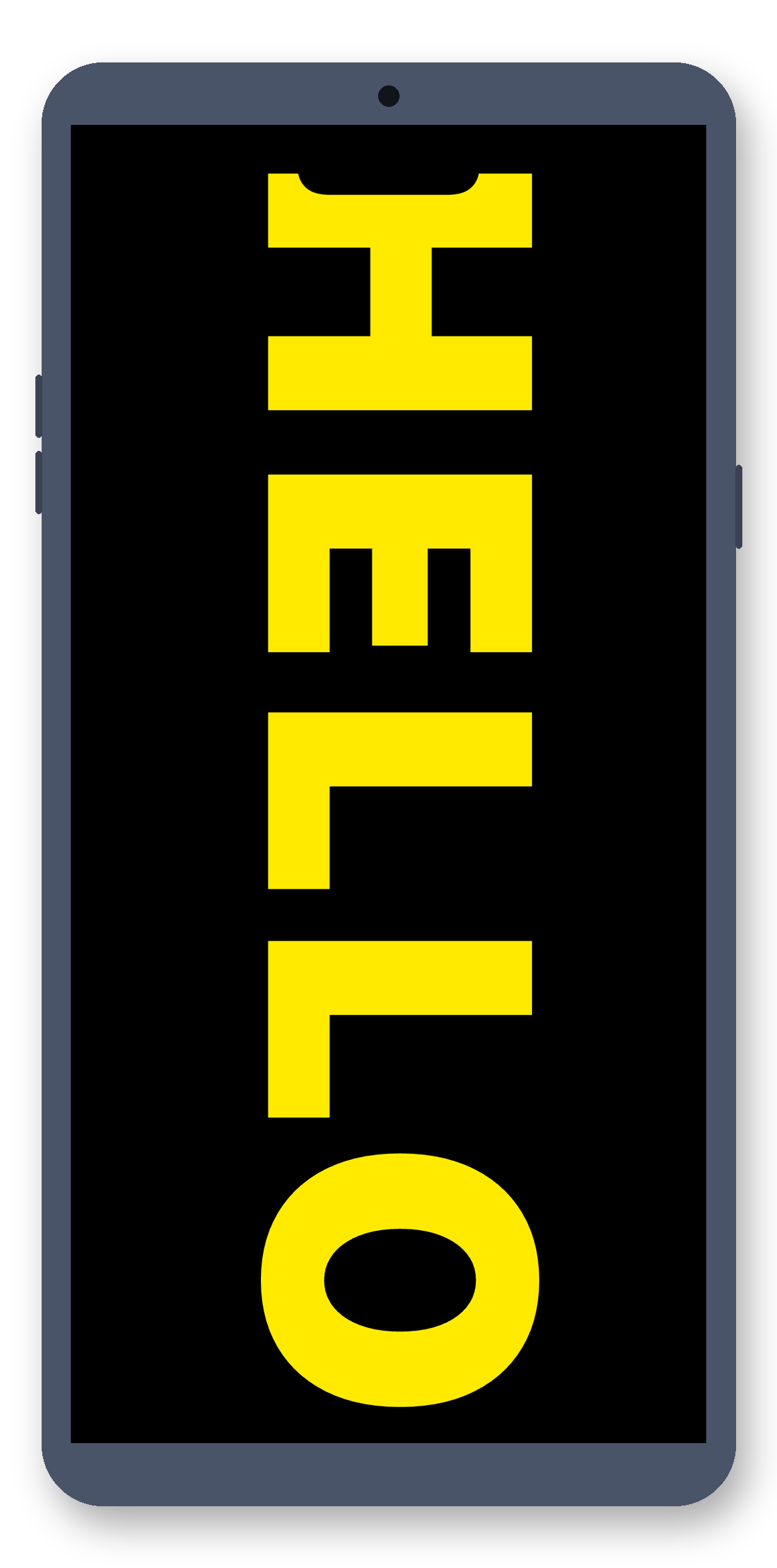
Landscape Single Line
Lock in landscape mode—text stretches horizontally, staying put no matter how long you hold it. Ideal for concert support or long-distance alerts—wider and more attention-grabbing.
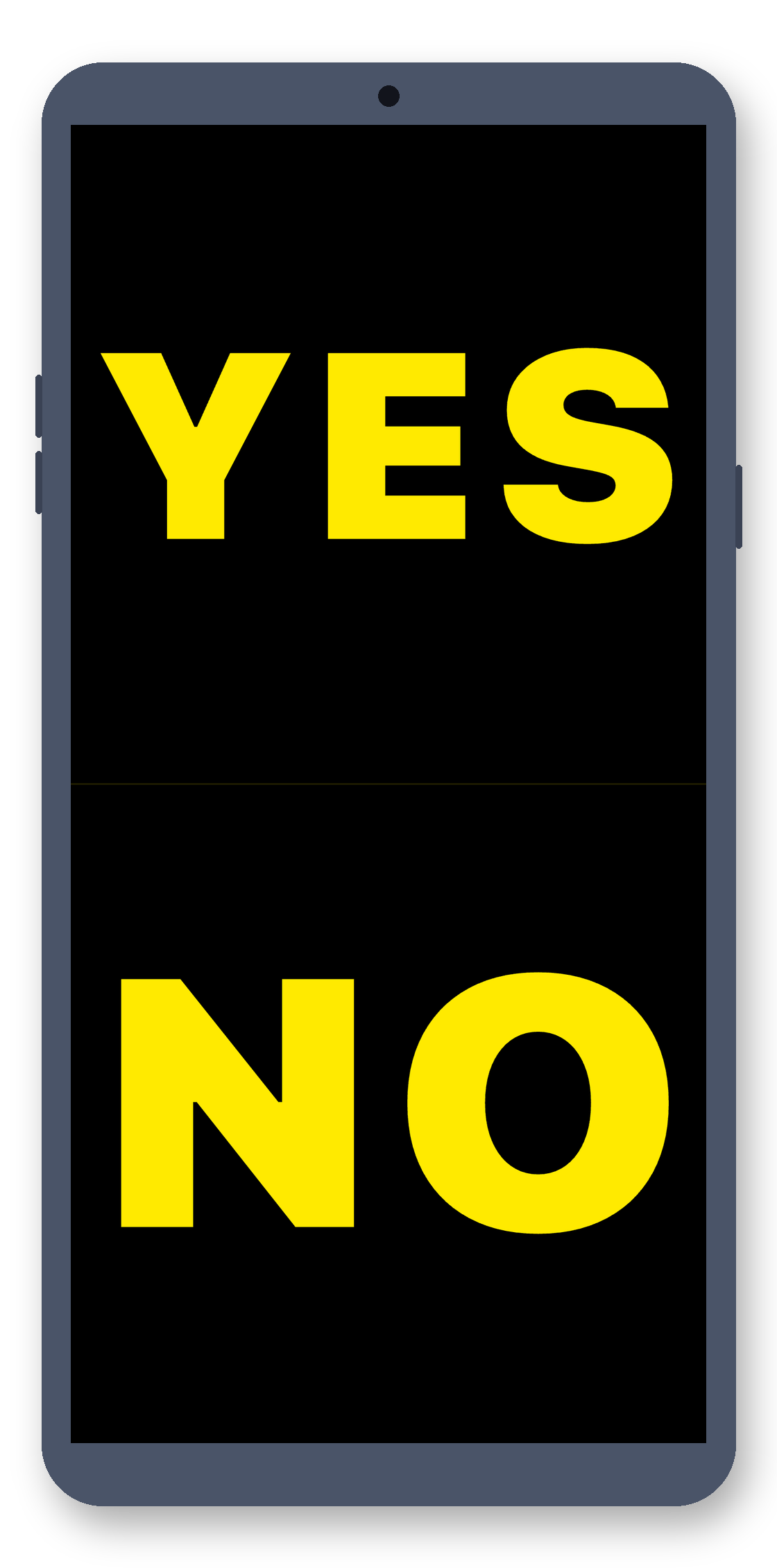
Portrait Dual Line
Name on top, flight number below—both lines show at once. Customize scrolling, blinking, and font size independently for each line without interference.
Landscape Dual Line
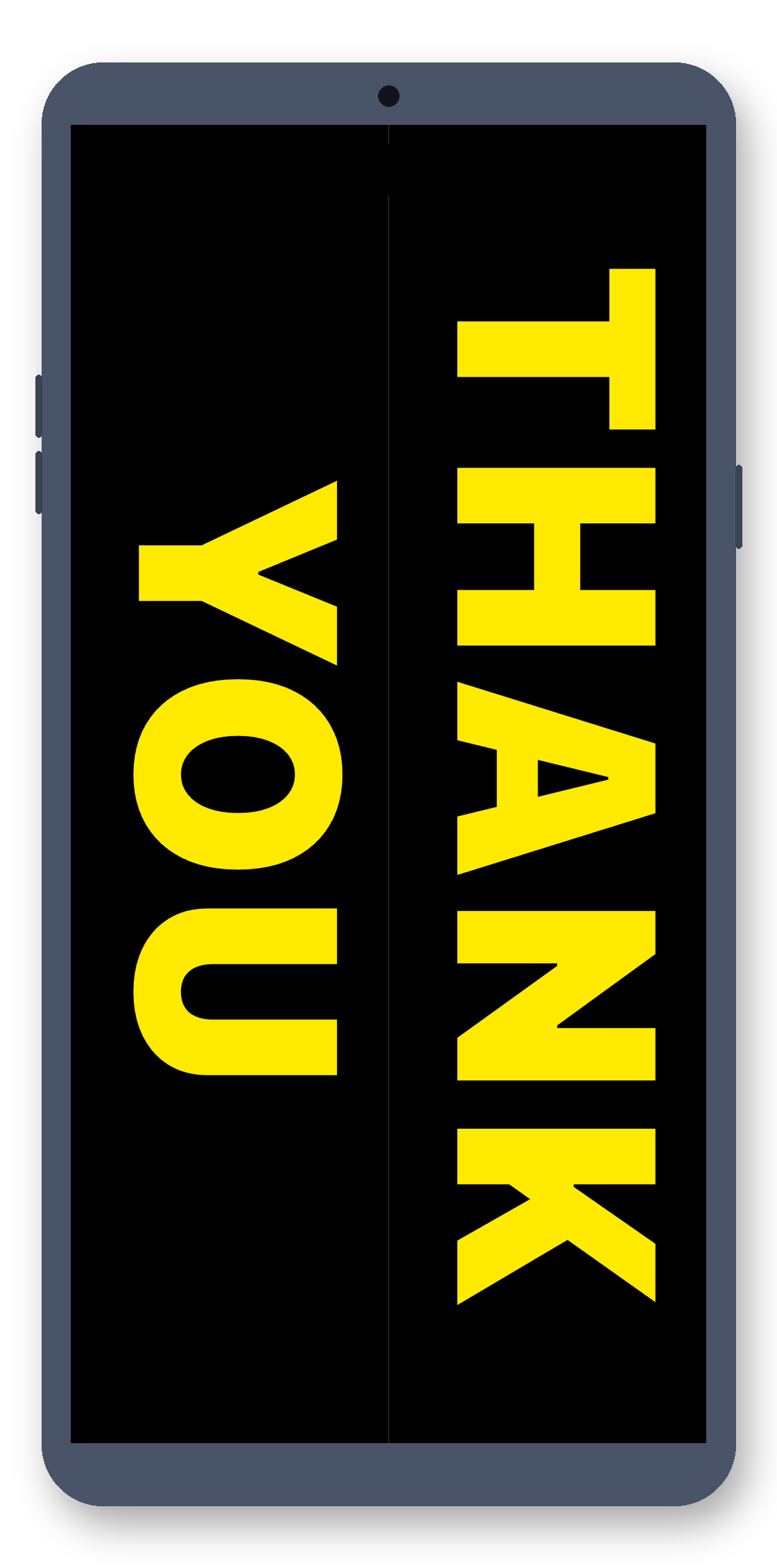
Two lines side-by-side in landscape—greet and inform at a glance. THANK YOU + flight number, two messages in one view.
Scrolling / Blinking
Text scrolls smoothly at adjustable speed—long messages stay complete. Or blink to stand out. Both effects run simultaneously without conflict. See the app visuals for a clearer demo.
Any Color Combo
Dozens of high-saturation fluorescent presets—tap to switch. Built-in color picker for custom shades. Make it as bright as you want—stands out even in low light.
100% Local
Your sign content stays local—no saving, no internet, no data collection, no third-party SDKs. Your privacy, guaranteed.
Settings Hub
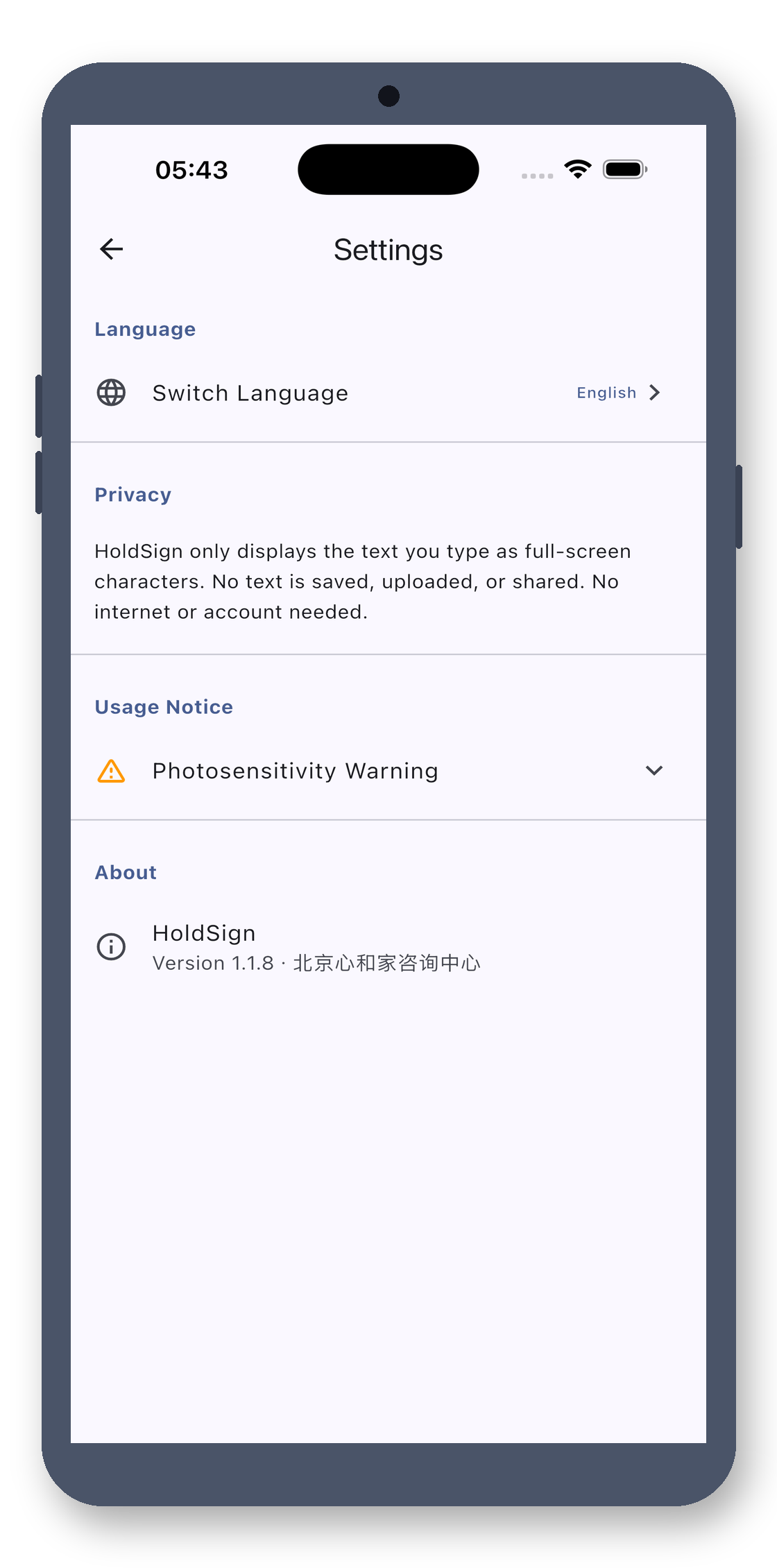
Manage everything in settings: switch languages, view privacy policy, check version info. Simple and intuitive—easy for anyone to use.
12 Languages
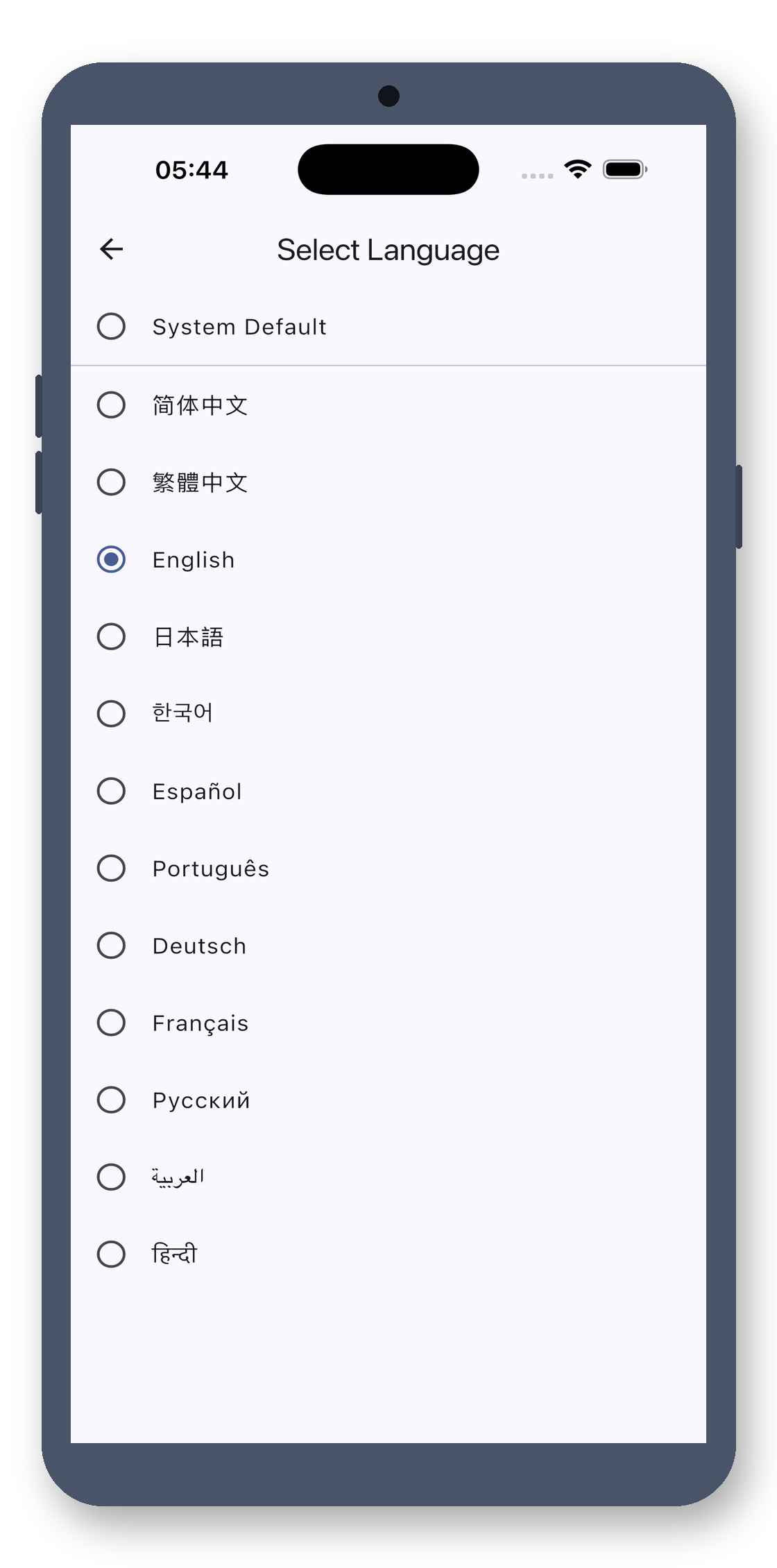
Simplified Chinese, Traditional Chinese, English, Japanese, Korean, Spanish, Portuguese, German, French, Russian, Arabic, Hindi. Auto-detect or manually select—fully localized UI.
Three Font Sizes
Font sizes scale to screen height—small for close-up, large for distance. Adjust for visibility without overflow, no matter how far or long the text.
Max Brightness · Always On
Auto-sets to 100% brightness in full screen—pierces even bright light. Screen stays on without dimming. Exit to restore original brightness and orientation.
Photosensitive Safety
First time entering blink mode shows a photosensitivity warning—some users are sensitive to flashing lights. A small step to ensure no one is left out.
Demo Mode
Tap the version number 7 times in About to load a sample sign—perfect for reviewers, screenshots, or testing. Tap again to clear. Hidden and non-intrusive.
No account, no cloud, no ads. Buy once, use forever.
Turn Your Phone into a Full-Screen Sign
Yes. This is a clean, one-time purchase tool: no ads, no subscriptions, no in-app purchases, no internet connection, and no personal data collection. Pay once, use forever.
No. It processes everything locally offline. No data is uploaded, no personal information is collected, and there is no account system.
No. It's a one-time purchase with no in-app purchases, no subscriptions, and no ads. Buy it once and use it forever.
Glowing Sign · Big Text, Brightest, No Ads